How to diagnose BMW 520Li 2014 via M-diag Lite OBDII Scanner
(Tutorial)Using Launch Golo M-Diag Lite to diagnose BMW 520Li 2014 with Android phone.
Devices:
Smart phone: HUAWEI Android system
Software Language: English
Optional Devices:
Launch Golo M-Diag Lite Bluetooth OBDII scanner, $59 without car software
Launch M-Diag Lite Plus Bluetooth OBDII scanner, $89 with One Free Car Software
Procedure:
Free download M-diag APP which can be found on iOS App Store and Android APP on Google play.
Then Install APP ->complete registration -> click the BMW car software to download.
For detailed instruction, visit here:
http://blog.uobdii.com/turn-your-iphone-into-a-powerful-diagnostic-tool-with-m-diag/
Come to BMW V49.50 and confirm

Pair with Bluetooth (no password needed, if it needs, try 1111 or 0000)

Choose “Automatically search” -> “16 pin socket”


It is communicating…
M-diag will show you BMW vehicle information:

Confirm the information and Tap on next
Then choose “quick test”

Test result display

Tap ECM(Engine Control Module-DME) to see details

Read fault codes


Choose Read data stream -> Automatic engine start stop function

Select all then tap confirm

Choose “Graph”
Back to choose “Fuel system”
“select pages” then confirm


Go back to get “fault report”


 US$29.99 / piece
 US$189.00 / piece
 US$115.00 / piece
 US$64.99 / piece
 US$189.00 / piece
 US$12.99 / piece
 US$3,550.00 / piece
 US$45.99 / piece
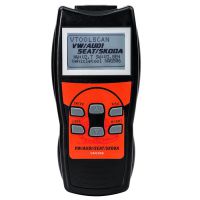 US$49.99 / piece
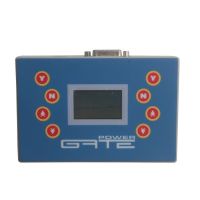 US$229.00 / piece
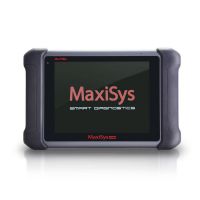 US$920.00 / piece
 US$99.00 / piece

