Download & install Z-TEK USB 1.1 Driver and change COM Port
Some customer feedback that Z-TEK USB1.1 To RS232 Convert Connector CD Driver is out of work, i’m sorry for that, here we offer Driver ZE394 download link and installation instruction, hope it helps users.
Free Download the Driver ZE394.rar file:
https://mega.nz/#!WVFhzIzI!q4d_IYAikhGs4emQsIgnUThjGD29ITmunqzOcmYTp0s
NO PASS
Install the driver:
Extract the file to desktop

Open the extrated floder [ZE294] and open [Driver]
Then open [Windows All] floder

Open [WinXP_vista_7.0_x86_x64]

Open the installation file [E1F1_ZTEK_1912_20140508]

Click Next wo begin the install wizard

Install complete, click finish

Then the PC will find new hardware wizard
Choose install the software automatically and click Next

Complete, click finish to close the wizard

How to change COM Port?
Open “My Computer” -> “Manage” -> “Device Manager” -> “Ports(COM&LPT)”

Right click “Z-TEK USB-to-Serial Comm Port” and choose Properties
Then choose “Port Settings” and click “Advanced…”
Change COM Port Number to COM2 and click OK
Click the icon to refresh the interface and you will find the COM Port has changed to COM2
Do the same procedure: Choose COM7 and click OK
Refresh the interface, the COM Port has changed to COM7!
Done!
For more information about High Quality Z-TEK USB1.1 to RS232 Convert Connector, please click here:
https://www.chinaobd2.com/wholesale/z-tek-usb11-to-rs232-convert-connector.html
 US$150.00 / piece
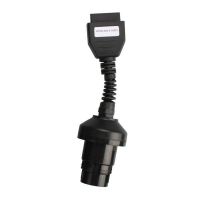 US$7.99 / piece
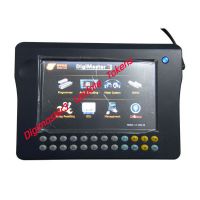 US$109.00 / piece
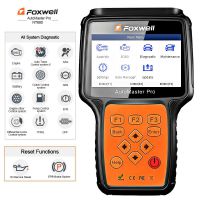 US$229.00 / piece
 US$.00 / piece
 US$29.99 / piece
 US$55.00 / piece
 US$15.99 / piece
 US$779.00 / piece
 US$29.99 / piece
 US$69.99 / piece
 US$64.99 / piece

