How to install Honda Diagnostic System HDS 3.016.033
This is the instruction on installation of Honda Diagnostic System HDS 3.016.033.
OS requirement: WIN 32
Language: English
Compatible tool: HIM -the latest diagnostic equipment for Honda vehicles (1992-2014)
Installation instruction:
* Video guide
https://mega.nz/#!U9c0HZQQ!zMZPLE-RpL6Umr8ED8x_CsTyARQ2ZYOropmGBJ3Lx9Q
* Step-by-step instruction
Step 1- Preparation
Open Computer, and go to HONDA 3.016 disk
Copy folder “3.016.033” to Desktop
Open folder “3.016.033” on Desktop
Rename folder “ECURewrite” as “1ECURewrite”, and “SPXMVCI” as “1SPXMVCI”
Step 2- Install HDS PC Ver. 3.016
Open “Setup” on folder “3.016.033” on Desktop
Click Next

Click Yes to accept licence agreement
Destination selection

Country selection (no limitation)
Enter dealer number
(both 111111111111 or 121212121212 ok)

Select a language to install

Installing…
Finish installing Honda Next Generation Diagnostic System.
Step 3- Setup
Open folder “3.016.033” (on Desktop)-> USA Dealer, right click for “Merge”

Click Yes. Add information in E:\USA-Dealer.reg to the registry
Click OK. information in E:\USA-Dealer.reg has been successfully entered to the registry
Open “him-gna” on folder “3.016.033”
Click Accept.
Delete folder “3.016.033” on Desktop
Go to computer management
Device manager->ports (com & lpt)->communication port (com1)

Step 4- Honda diagnostic procedure display via HDS3.016.033
Open Diagnostic system

Select a vehicle-> enter odometer, drive, model, year

Select Honda Systems

Select a system. Here: PGM FI

Select DTCs/ Freeze Data

Prompt New Connection Wizard, click Cancel.
Honda diagnostic system displays DTCs

Back to mode menu, to get Data list

Exit the diagnostic system.

Done!
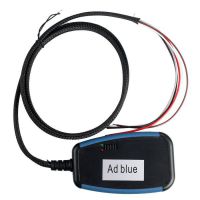 US$26.99 / piece
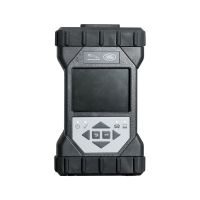 US$1,299.00 / piece
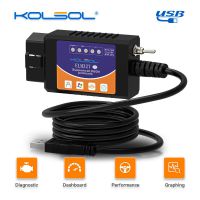 US$9.99 / piece
 US$50.00 / piece
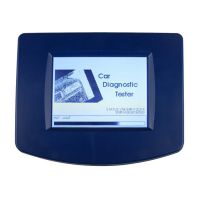 US$129.00 / piece
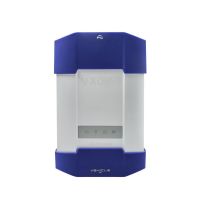 US$979.00 / piece
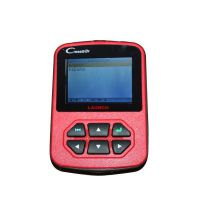 US$59.99 / piece
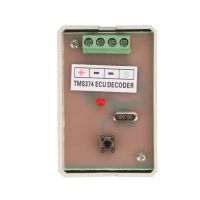 US$29.99 / piece
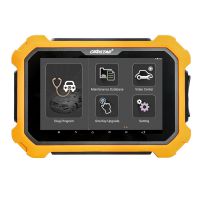 US$1,359.00 / piece
 US$19.99 / piece
 US$279.00 / piece
 US$3.99 / piece

