How to do VVDI2 J2534 module programming
GOOD NEWS! VVDI 2 J2534 Work with pass-thru Ford, and even avdi work also. I test the two
1.For the SAE J2534 pass-thru device being used, select the device manufacturer and follow the list below
2.Correct the selected pass-thru device to the PC
3.Select “Save device”
4.Select “Exit application”
5.Restart module programming
Note: If no devices are listed below, the software that was received with the pass-thru device was not installed. Exit the app, install the software and restart module programming

Good to know: VVDI2 PassThru J2534 Configuration software supports Third–Party software to connect to VVDI2 for communication. Third Party software should support SAE J2534 function. And now it supports VAG diagnostics software: OIDS, VAS5054 and others. You can find detail in VVDI2 – PassThru J2534 User Manual.
PassThru J2534 is available in both VVDI2 basic and full version
| VVDI2 Version | VVDI2 Full version | VVDI2 Basic version |
| Price | 2499 usd | 469 usd |
| Transponder Programmer | √ | √ |
| PassThru J2534 | √ | √ |
| VW | √ | x |
| BMW | √ | x |
| Porsche | √ | x |
| PSA | x | |
| BMW OBD Authorization | √ | x |
| BMW CAS4 + Authorization | √ | x |
| BMW FEM/BDC Authorization | x | |
| 5th AUDI Authorization | √ | x |
| Chip 48 Copy by OBD | x | |
| MQB Authorization | x | |
| Chip 48 96bit Copy | x | |
| Toyota H Chip | x |
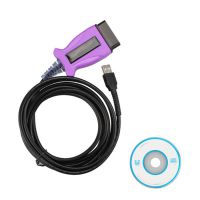 US$39.99 / piece
 US$12.99 / piece
 US$559.00 / piece
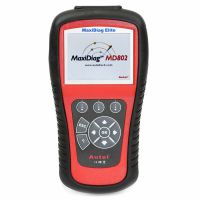 US$189.95 / piece
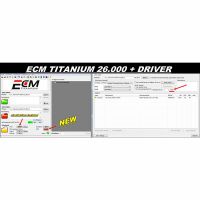 US$44.99 / piece
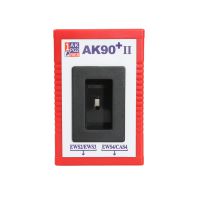 US$139.00 / piece
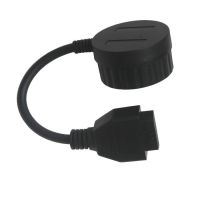 US$19.99 / piece
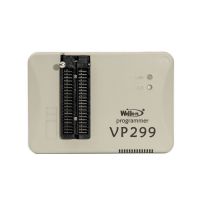 US$129.00 / piece
 US$275.00 / piece
 US$72.99 / piece
 US$1,100.00 / piece
 US$14.99 / piece

